

arkiTags
Shortcut to the building’s functions
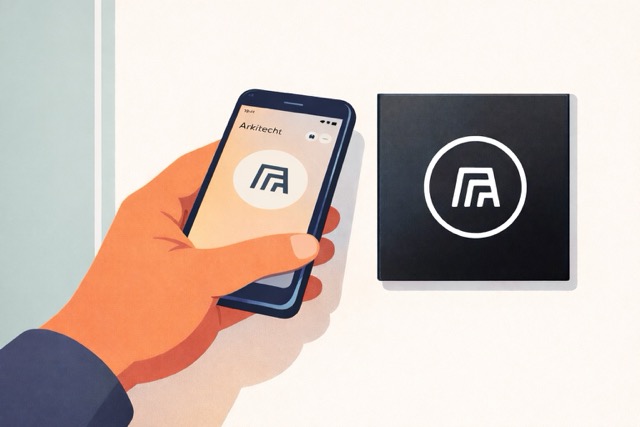
Hold your phone in front of the switch and you can access the room’s components, open the door or start charging.
arkiTag switches
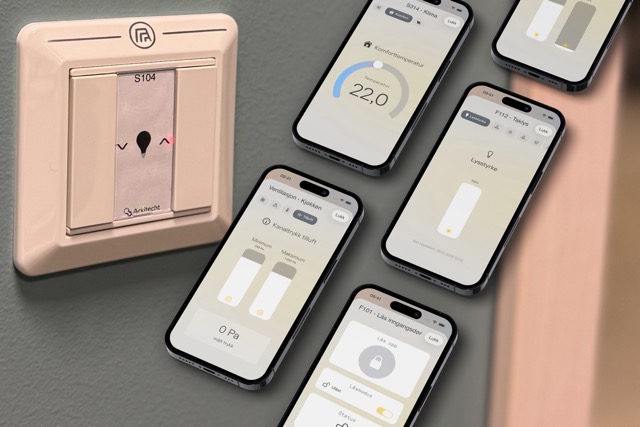
An arkiTag can be used to extend the functionality of an existing switch by replacing the frame or as separate switches. They are available in different finishes and materials to match the building’s existing components or design.

dark oak

black

light oak

touch with frame
Extend the functionality of the switch
The most commonly used operations are done directly on the switch, but more advanced functions are done by scanning the archiTag.
Access levels
nanoControl ensures that the user can only change room settings that they have access to and only within specified limits. This way, for example, a user of the room will be able to change the comfort temperature or brightness when someone is present during the day, but an operations manager will be able to make other adjustments such as adjusting the eco-temperature or viewing the status and adjusting ventilation dampers.
Access control
Use an archiTag to provide access to buildings, offices and garages.

Wireless archiTag
In cases where it is not easy to reach a switch with the mobile, wireless arkiTags are used. These automatically pop up on your phone when you approach and are smart to use on garage doors, for example.