


EV-chargers
Access
Users who have access to one or more chargers at the location can start charging by:
- Start charging from the app
- Hold your phone against arkiTag to start charging
- Use RFID charging chip to start charging
- Charging starts automatically when the car is connected (if each user has their own charger)
An administrator can easily manage access through the Arkitecht administration portal.
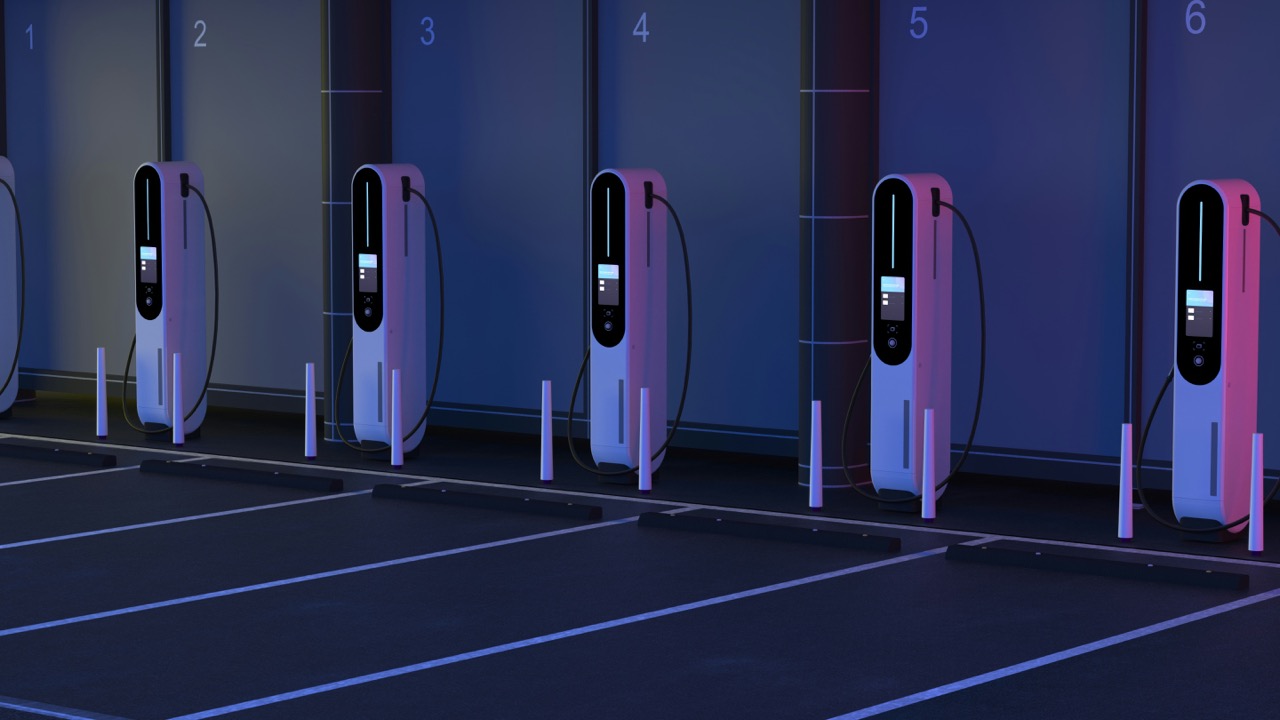
Charging sessions
User
As a user, you have a full overview of your charging sessions in the Arkitecht app. It shows all completed and ongoing charging sessions with detailed statistics for consumption and price.
Administrator
An administrator has an overview of all charging sessions from the admin portal. Here you can retrieve a report for a period that can be used for overview and possibly invoicing.

Invoicing
User
If you use the optional add-on service Arkitecht EasyCharge, you will find all your invoices in the app. There you also enter payment information so that the sessions are charged automatically.
Administrator
As the administrator of the charging facility, you set the desired charging price yourself. This can consist of a fixed price per unit. kWh and the spot price of electricity. The full amount for the charging sessions is transferred to the owner of the charging facility, Arkitecht takes no percentage of this.
The monthly price for the optional additional service EasyCharge is 49,- and will be charged to the user of the charging station if it has been used.

Customer support
Are you having trouble getting charging started?
Arkitecht Support is included in Arkitecht EasyCharge for all users in that location.
Arkitecht support is open every day 08:00 – 22:00 and you can reach us at the touch of a button in the App.